A hotkey from anywhere.
Press ⌃⌥Space anywhere in macOS to bring up the panel. Remap the shortcut to whatever fits your hand. Press esc and the panel disappears. You're back exactly where you were.
Capture, organize, edit, and complete reminders from a keyboard-first floating panel on your Mac.
No need to open the full Reminders app. No window switching. No new database. Summon a panel from anywhere on macOS, capture or edit a task entirely from the keyboard, and dismiss it without ever touching the mouse.
Try it free for 14 days · Unlock once for $4.99 · No subscription, ever
The full Reminders app is fine when you have time to stop. SideDoor Tasks is for the other ninety-five percent of the day — when stopping is exactly what you're trying to avoid.
It's for the everyday Mac actions that should take seconds: jotting down a task, checking what's next, moving something to the right list, or clearing a reminder that's already done.
Your tasks still live in Apple Reminders. Your attention stays where it belongs.
SideDoor Tasks doesn't replace Apple Reminders. It just gets you in and out faster.
When you have a thought to capture, a detail to edit, or a task to mark done — hit the global hotkey, take action, dismiss the panel, and pick up exactly where you left off.
From anywhere in macOS, the panel appears wherever you've set it. Remap the shortcut to whatever fits your hand.
Capture a new task, edit an existing one, mark something complete, or jump between lists and projects — entirely from the keyboard.
You're back where you started, with your task already synced to Apple Reminders.
A small set of features, each one focused on the same thing — getting tasks in and out of Apple Reminders without slowing you down.
Modifier keys jump between lists and projects. Single keys complete tasks, change dates, set priorities. A footer hint bar shows what's available so you never have to look anything up.
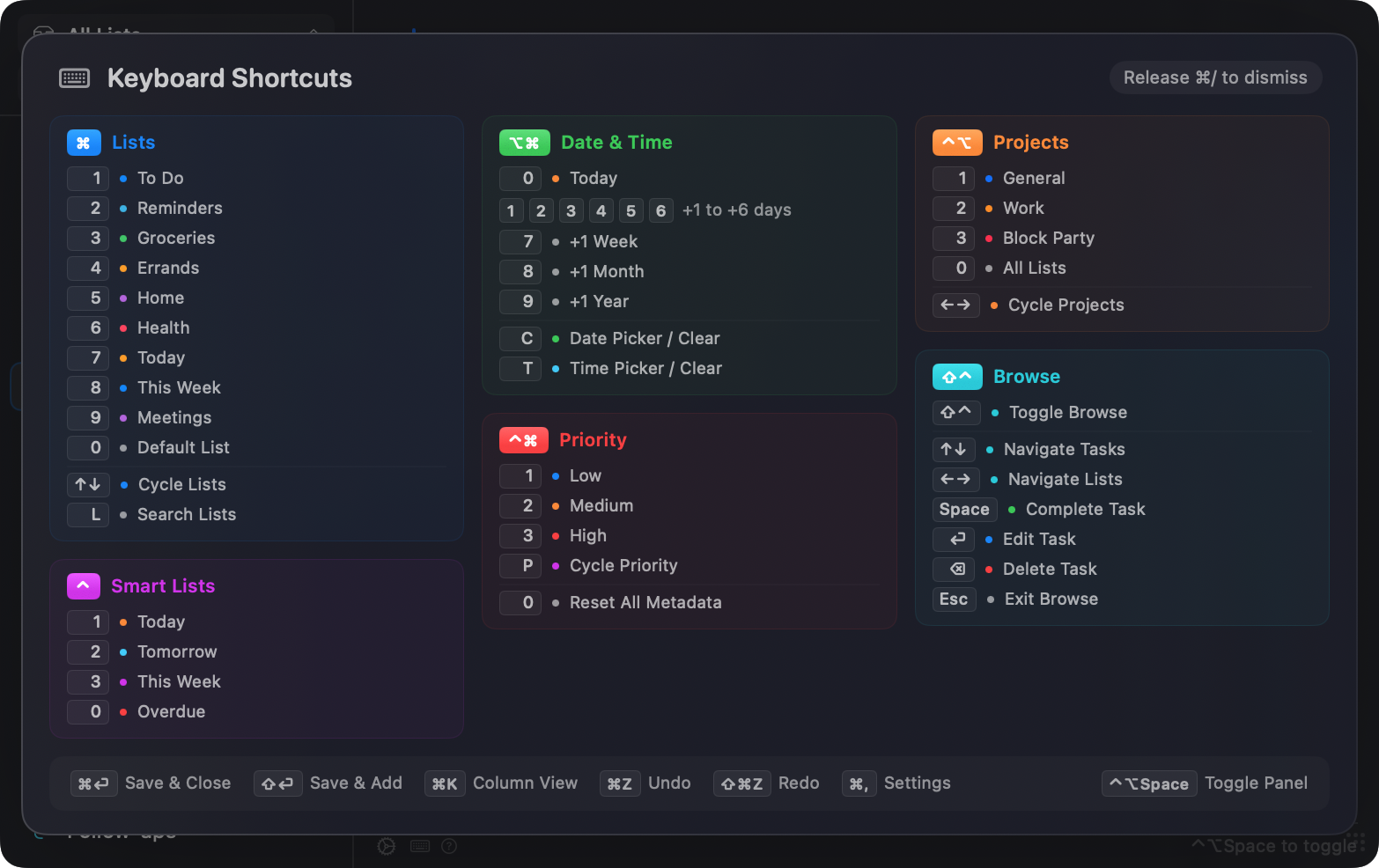
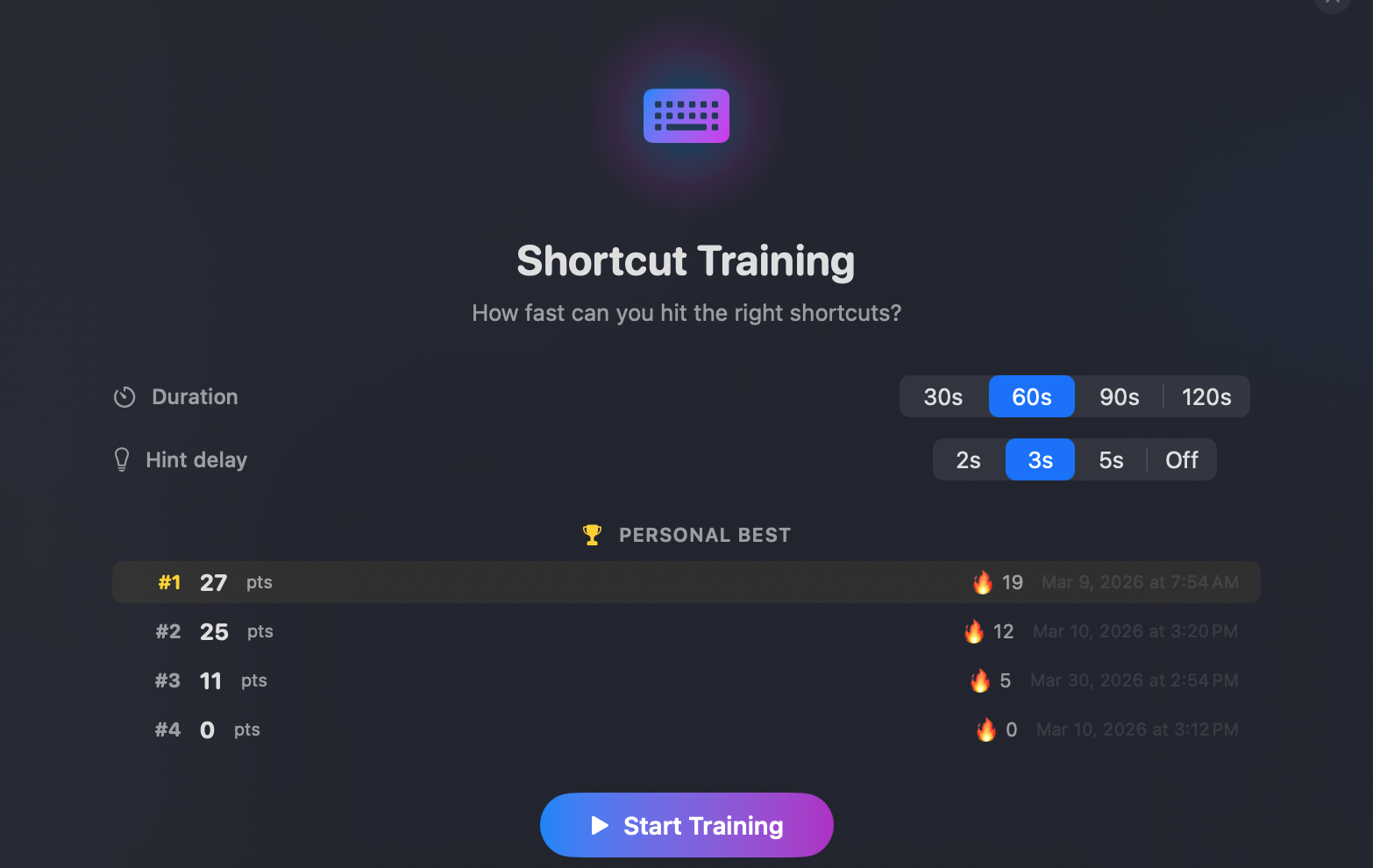
A built-in mode walks you through the shortcut system until the keys become muscle memory instead of a cheat sheet.
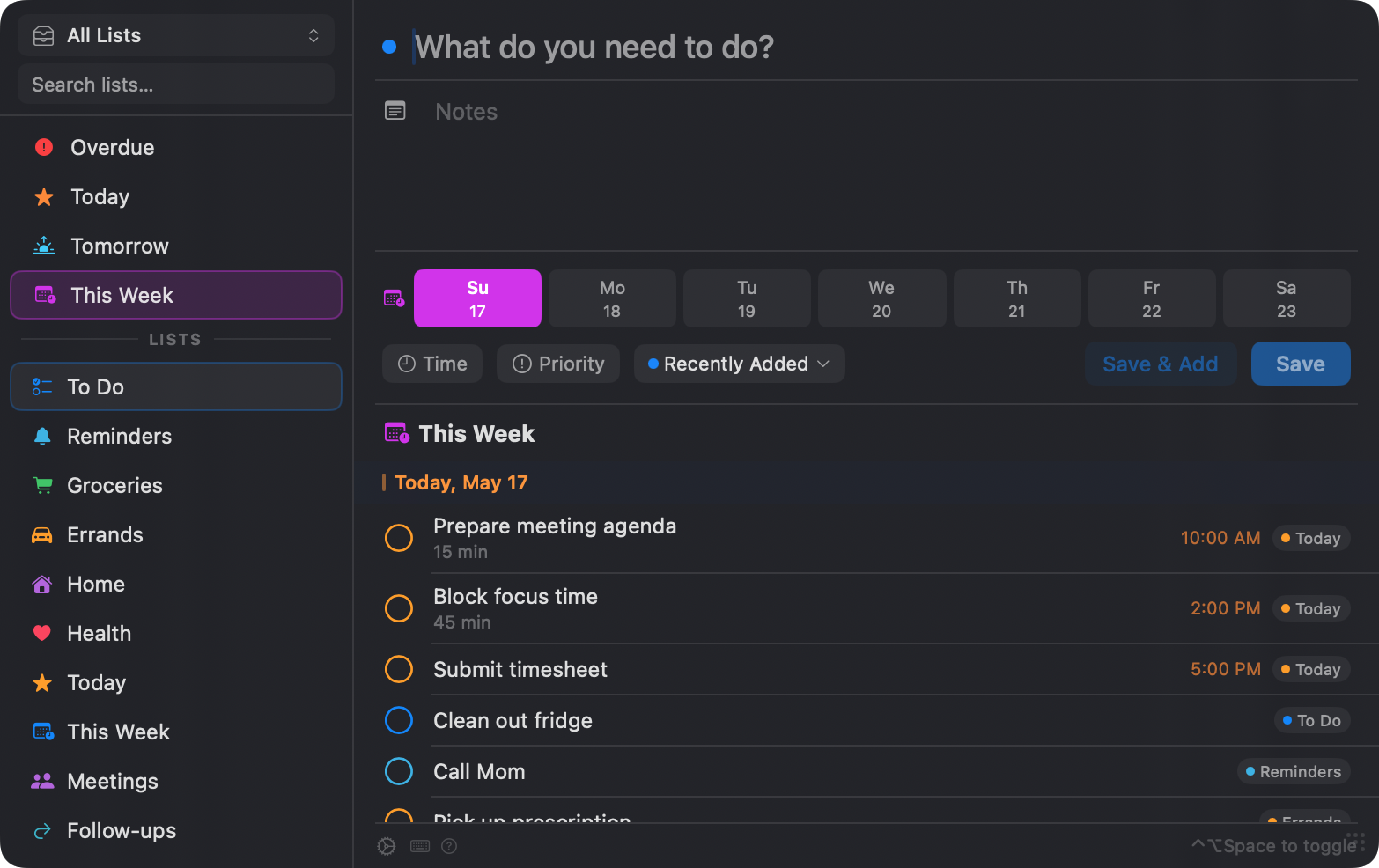
Overdue. Today. Tomorrow. This Week. Each one a single keypress away, so the things that are actually due don't get buried.
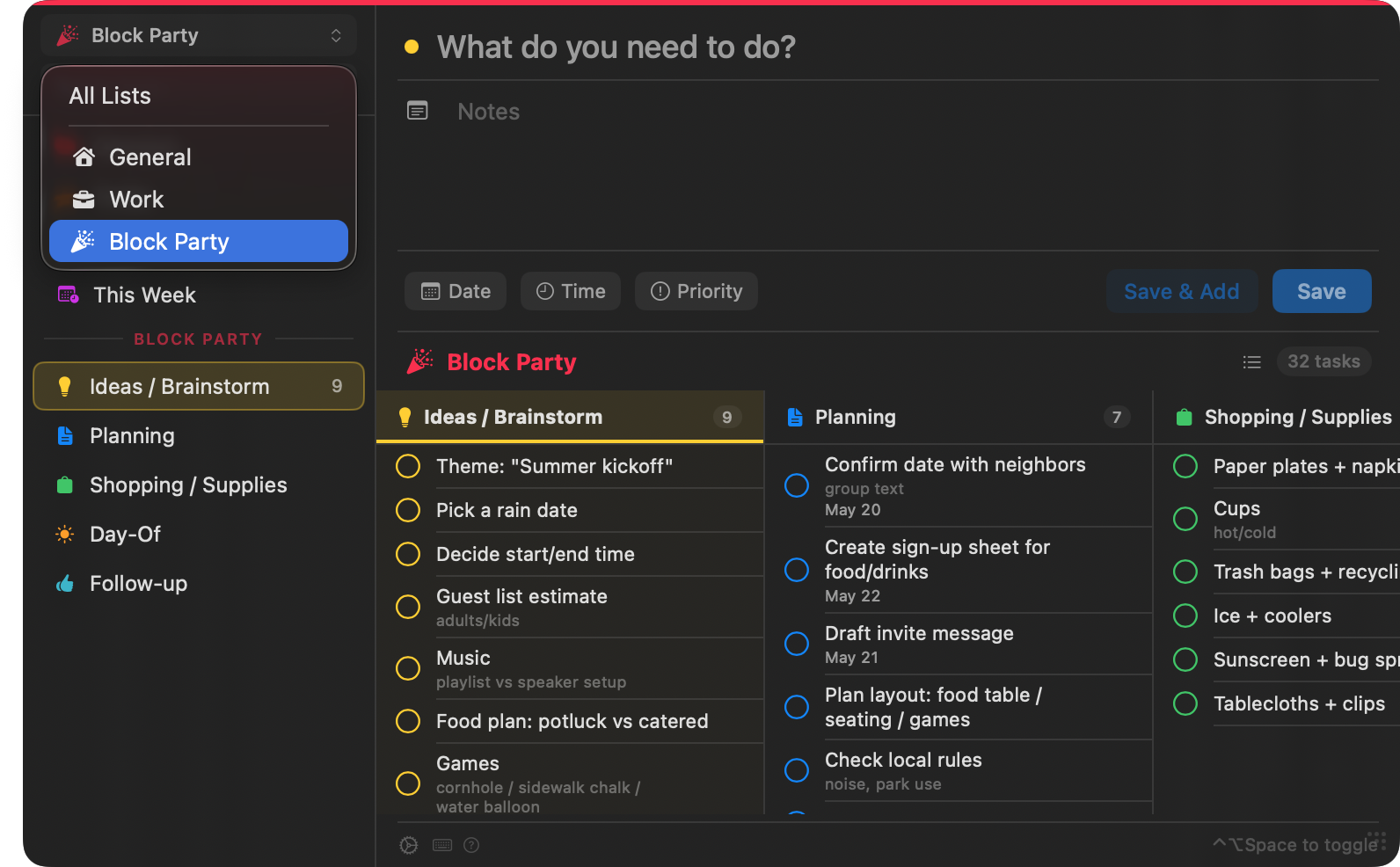
Group lists into projects with custom icons and colors. Switch to a Kanban view for the ones that need it. Everything syncs back to Apple Reminders the moment you make a change.
Choose the panel size, where it appears on screen, and whether it follows you between displays. Pick icons and colors for projects and lists.
One command writes your reminders out to a file you control. Backup, archive, or just keep a paper trail.
No Electron. No web view. No telemetry. SwiftUI and AppKit on Apple Silicon, talking directly to the iCloud database you already have.
Shipped through the Mac App Store. Sandboxed, reviewed, and Apple-verified.
SwiftUI + AppKit, compiled for M-series. Cold launch in under a second.
Uses EventKit and the Reminders store you already sync. No migration, no new account.
No SideDoor account. No analytics pings. Your reminders never leave Apple's servers.
SideDoor Tasks was built around a simple annoyance — opening a separate app just to capture or clear one reminder breaks flow more than it should.
The goal isn't to reinvent task management. It's to make the system you already use faster at the exact moments when speed matters.
SideDoor is a small family of Mac utilities being built around the same idea — a quick way into the Apple apps you already use, without breaking your focus.
Calendar, Files, and Contacts are next, with more in the queue.
Drop your email if you want to know when each one ships. No newsletter, no marketing list, no spam.